
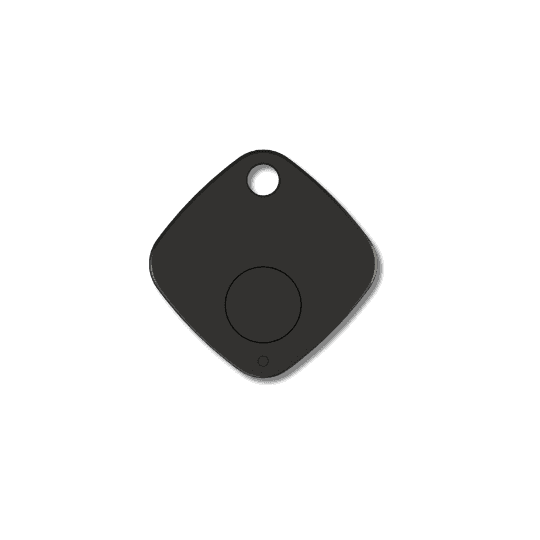
Accessories
ABK100
User manual
ABK100 User Manual
Revision 1.01 — Jun 18, 2026 — Initial release
This manual covers the ABK100 BLE beacon — general description, specifications, button and LED operation, and firmware upgrade. Use the structured sections below for quick reference, or open the full PDF for the complete document.
General description
The ABK100 advanced Bluetooth Low Energy (BLE) 5.3 beacon is a robust and versatile tracking solution built on the high-efficiency GR5331 chipset. All Assistant Telematics units support ABK100. Designed for longevity and reliability, it offers a perfect balance between long-range signal transmission and ultra-low power consumption.
Whether for indoor navigation, asset tracking, identification, or proximity marketing, this device provides industrial-grade performance in a compact form factor.
One of the standout features of this device is its flexible security layer. It can operate in two modes:
- Encrypted mode: Utilizes AES-128-bit encryption to protect data integrity and prevent unauthorized signal spoofing or cloning (contact the Assistant Telematics team).
- Open mode: Standard non-encrypted broadcasting for maximum compatibility with public proximity applications.
Technical specifications
| Parameter | Specification |
|---|---|
| BLE module | GR5331 |
| BLE version | BLE 5.3 |
| Battery type | CR2032 — 240 mAh |
| Operating voltage | 1.8 V ~ 3.6 V |
| Operating temperature | −20 °C ~ +60 °C |
| Transmission distance | Up to 80 meters (configurable) |
| Transmission interval | 100 ms ~ 5000 ms |
| Default interval | 1 second |
| Battery life | ~500 days standby @ 1 s interval |
| Low battery alarm | < 2.6 V (15%) |
Key description
Power ON/OFF:
- Power ON: Press button > 2 s — the LED flashes white for 2 seconds.
- Power OFF: Press button > 6 s — the white LED blinks 4 times quickly.
Battery level: Press 0–2 s — solid light, red or green (indicates battery level).
LED descriptions
| LED | Condition |
|---|---|
| Red LED | Battery < 15% (voltage < 2600 mV) |
| Green LED | Battery ≥ 15% (voltage ≥ 2600 mV) |
| White LED | Power ON / OFF indicator |
Firmware upgrade
Preparation:
- ABK100: Ensure the device can broadcast and be discovered by the phone; it is better to know the device's Bluetooth address.
- Software: Install the GRToolbox App — https://www.goodix.com/en/software_tool/grtoolbox
- Firmware: Contact support@iot-at.com to get the latest firmware *.bin file and save it on your mobile phone.
Upgrade procedure:
- Open the App and enable Bluetooth permissions on your phone.
- Find the target device by its Bluetooth address or device name, and click Connect.
- After a successful connection, click the rocket icon to enter the upgrade interface.
- Choose Single-bank update mode, select the firmware *.BIN file, and press Update.
- Wait until the firmware update completes successfully.
ABK100 — User manual
v1.01 · 2026-06-18 · Release
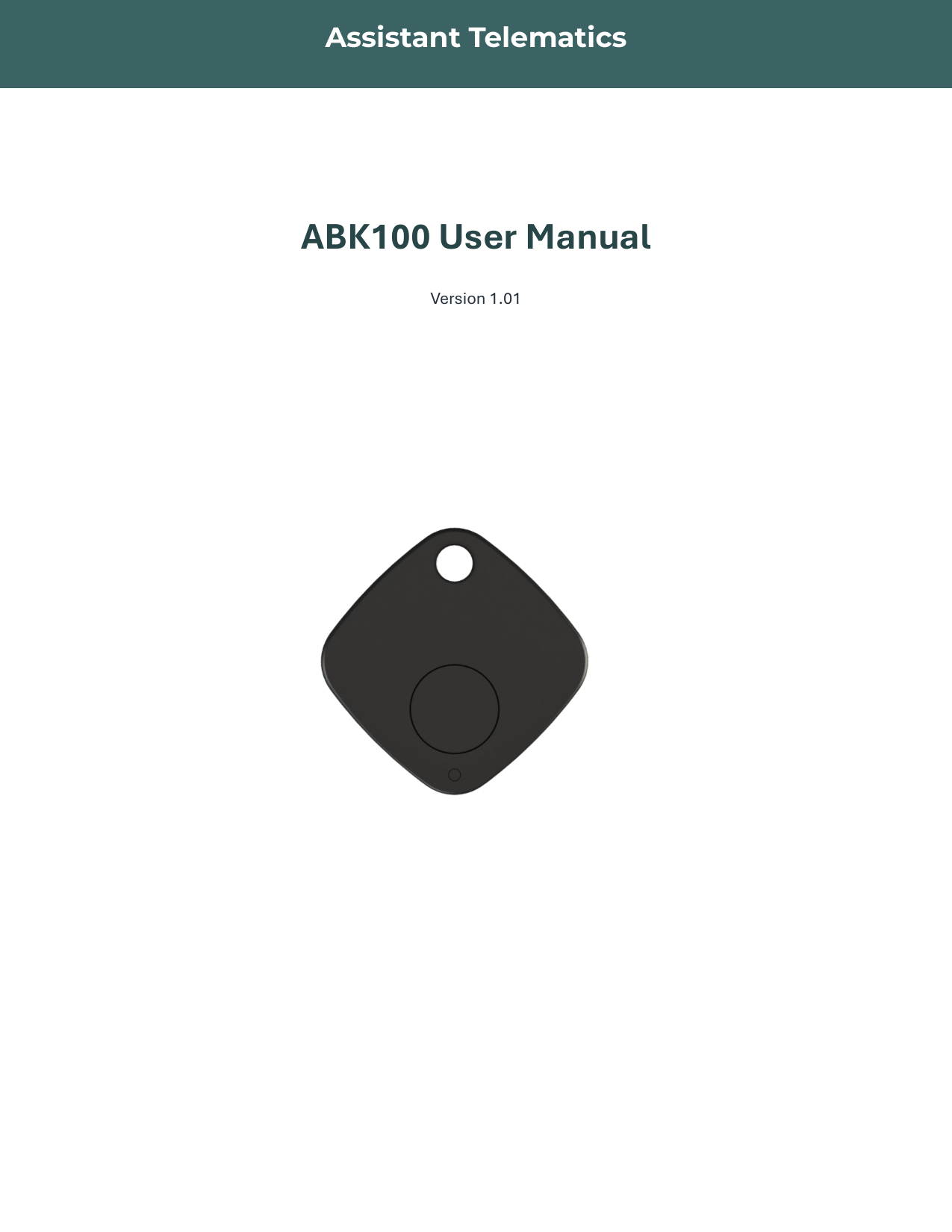
Page 1 of 7
If the preview does not load, use Download or Open in new tab.