
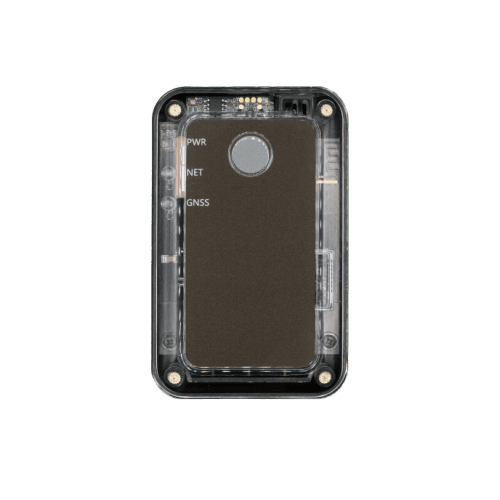
GPS Trackers
ATL200
User manual
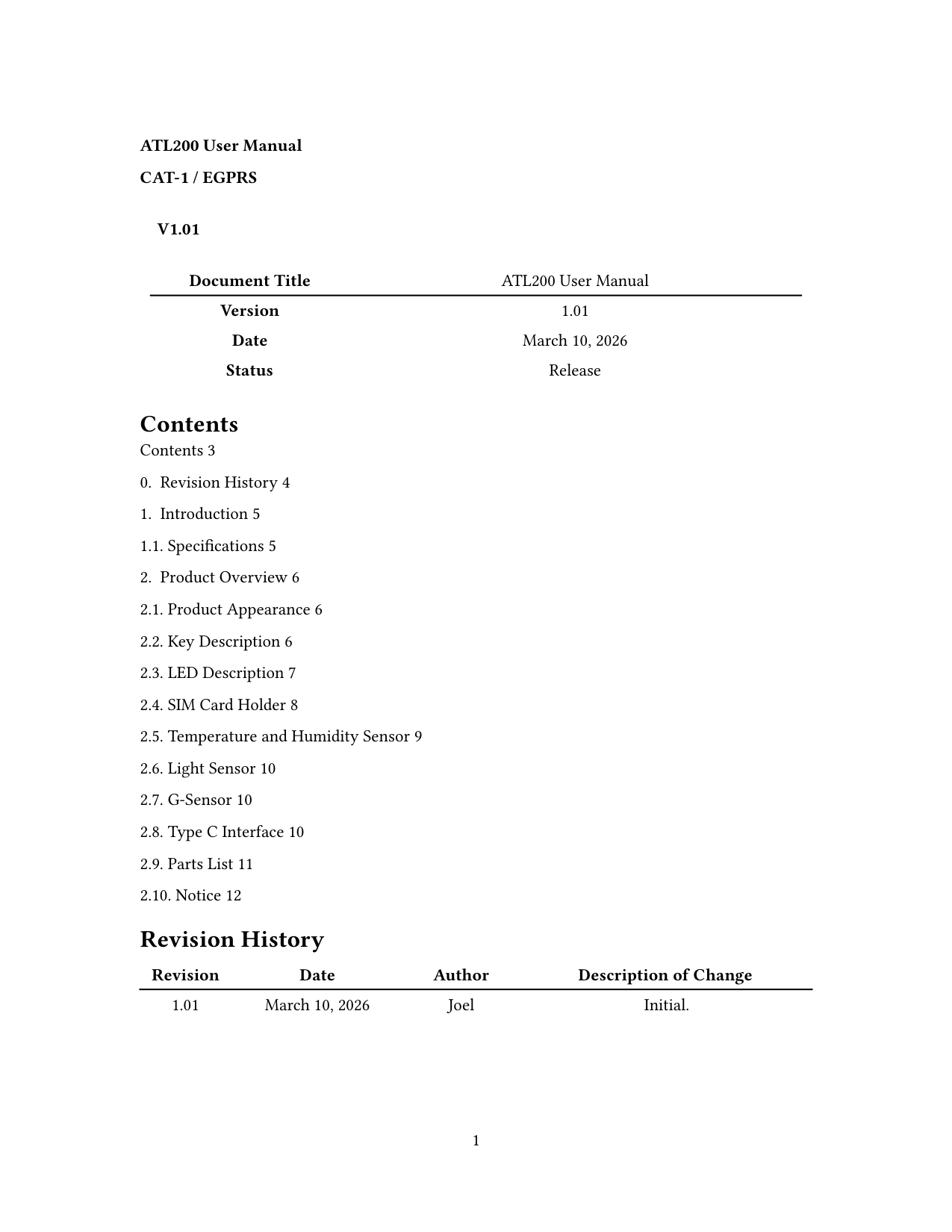
ATL200 User Manual — LTE Cat-1 Cold Chain Terminal
Revision 1.01 — Mar 10, 2026 — Release
This manual covers installation, sensors, power management, and operation of the ATL200 cold chain terminal. Use the structured sections below for quick reference, or open the full PDF for the complete document.
Introduction
The ATL200 is a cold chain terminal. The device supports multiple bands of LTE Cat-1 and EGPRS networks used in Europe and Latin America, which is ideal for asset monitoring and temperature monitoring.
Specifications
| Parameter | Value |
|---|---|
| Dimensions | 95 mm × 60 mm × 22 mm |
| Network | EGPRS: GSM850/GSM900/DCS1800/PCS1900; LTE Cat-1 EU: B1, B3, B5, B7, B8, B20, B28; LTE Cat-1 LA: B2, B3, B4, B5, B7, B8, B28, B66 |
| GNSS (optional) | GPS, GLONASS, BDS, Galileo, QZSS |
| Bluetooth | BLE 5.3 |
| Sensors | G-Sensor; Light Sensor; Temperature and Humidity Sensor; Barometer Sensor; External Temperature Sensor via Type-C (optional) |
| Battery | 3.7 V 2500 mAh rechargeable low-temperature Li-polymer |
| IP rating | IP64 |
| Operating temperature | −30 °C to +60 °C |
| Standby time | More than 30 days (report every 10 minutes) |
| LED indicators | Power, NET, GNSS |
| Port | Type-C |
Key definition
- When the terminal is powered off, long press for more than 3 seconds to power on. During power on, the three LEDs slow-flash simultaneously (800 ms on, 500 ms off, 4 times).
- When the terminal is powered on, long press for more than 3 seconds to power off. During power off, the red LED fast-flashes (100 ms on, 150 ms off, 3 times).
LED description
ATL200 has three LEDs — power, network, and GNSS — which can work separately or in combination to indicate device status.
LED description (separate operation)
| LED (color) | Device status | LED status |
|---|---|---|
| PWR (red, yellow, green) | Battery charging | Fast flashing |
| PWR (red, yellow, green) | Battery low | Red slow flashing |
| PWR (red, yellow, green) | Battery fully charged | Solid green |
| PWR (red, yellow, green) | Standby | Off |
| NET (green) | Search network | Fast flashing |
| NET (green) | Register network | Slow flashing |
| NET (green) | Stop searching network | Off |
| GNSS (blue) | GNSS fixing | Fast flashing |
| GNSS (blue) | GNSS fixed | Solid blue |
| GNSS (blue) | GNSS stop fixing | Off |
Battery level indication of power LED
| Charging status | Battery level | LED status |
|---|---|---|
| Charging | < 25% | Red fast flashing |
| Charging | ≥ 25% and < 75% | Yellow fast flashing |
| Charging | ≥ 75% and < 100% | Green fast flashing |
| Charging | 100% | Solid green |
| Not charging | < battery low threshold (10%) | Red slow flashing |
| Not charging | < 25% | Solid red |
| Not charging | ≥ 25% and < 50% | Solid yellow |
| Not charging | ≥ 50% and < 75% | Green flashing (80 ms off, 80 ms on, 5 times) |
| Not charging | ≥ 75% and ≤ 100% | Solid green |
SIM card holder
Power off the device before installing the SIM card. ATL200 supports Nano-SIM (4FF type).
Temperature and humidity sensor
ATL200 includes a high-precision temperature and humidity sensor that meets NIST certification requirements.
Light sensor
The built-in high-precision light sensor supports light values ranging from 0.3 to 6500.0 lux.
G-sensor
A three-axis accelerometer supports detection of motion, stillness, tilt alarm, crash alarm, and flight mode events.
Type-C interface
ATL200 uses a standard Type-C interface for terminal configuration and firmware upgrade via a Type-C data cable.
An optional Type-C external temperature sensor supports a detection range of −200 °C to +60 °C (PT100) or −55 °C to +125 °C (DS18B20). See the parts list for details.
Parts list
| Item | Description |
|---|---|
| ATL200 | Cold chain terminal with EGPRS and LTE Cat-1 |
| Type-C data cable (optional) | Used to configure the device and update firmware |
| Type-C external PT100 temperature sensor (optional) | Supports a temperature range of −200 °C to +60 °C |
| Type-C external DS18B20 temperature sensor (optional) | Supports a temperature range of −55 °C to +125 °C |
Notice
- When the ambient temperature is less than 0 °C or more than 45 °C, battery charging is disabled to protect the battery.
- The maximum charging current is 500 mA and the battery capacity is 2500 mAh. Full charge takes approximately 5 hours.
ATL200 — User manual
v1.01 · 2026-03-10 · Release
Page 1 of 9
If the preview does not load, use Download or Open in new tab.