
Accessories
ACR100
User manual
ACR100 User Manual — CANclick Contactless CAN Reader
Revision 1.01 — ACR100
This manual covers the ACR100 CANclick contactless CAN-bus reader — general description, operating conditions, power connection, and installation. Use the structured sections below for quick reference, or open the full PDF for the complete document.
General description
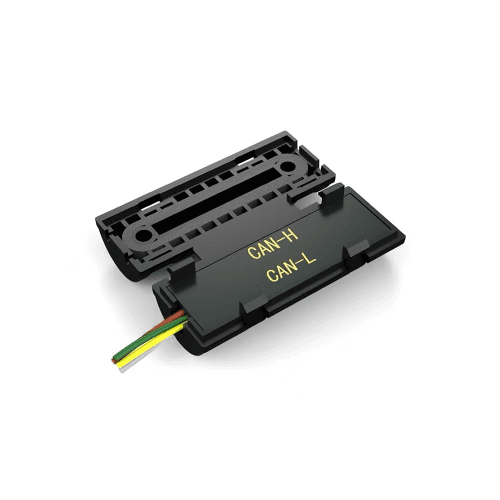
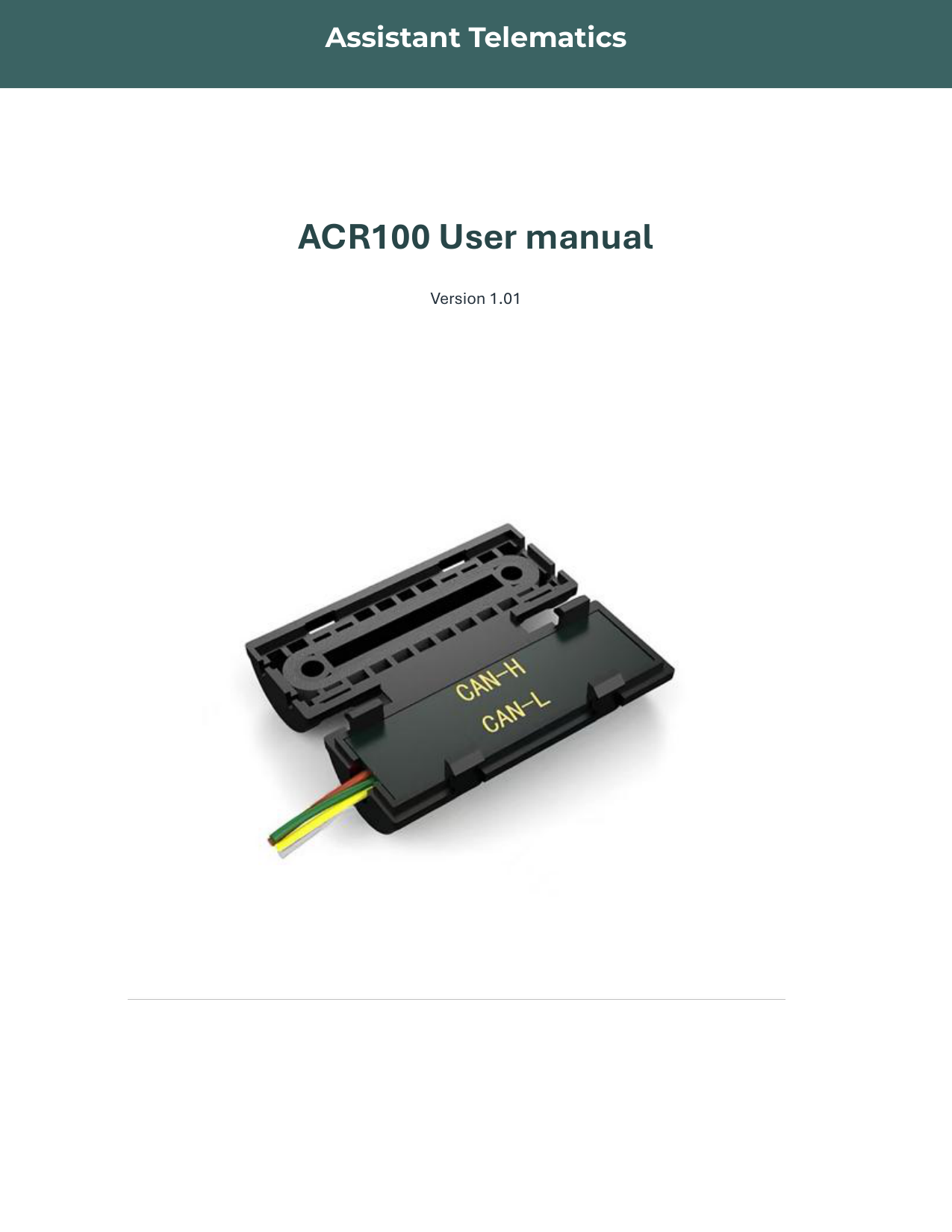
The ACR100 CAN Click allows you to read data from a vehicle's CAN bus without breaking wires. It provides a safe, reliable, and fast connection that does not void the vehicle's warranty.
The ACR100 Contactless Reader is a universal CAN bus reader that works with light vehicles, trucks, and machinery. It is compatible with any Telematics unit that supports CAN bus reading.
Operating condition
Operating temperature specifications for the ACR100 module.
| No. | Type | Specification | Unit |
|---|---|---|---|
| 1 | Temperature | −20 ~ +80 | °C |
Power connection
Power supply specifications and current consumption for the ACR100 module.
| No. | Type | Specification | Unit | Condition |
|---|---|---|---|---|
| 1 | Power Voltage (Vin) | 8–32 | V (DC) | |
| 2 | Standby Current | ≤ 12 | mA | Vin = 12 V DC |
| 3 | Work mode current | ≤ 30 | mA | Speed = 125 k |
Installation
ACR100 4-pin interface:
4-pin interface
| Pin No. | Pin name | Color | Description |
|---|---|---|---|
| 1 | VDD | Red | ACR100 power support 8 V ~ 32 V |
| 2 | GND | Black | Ground |
| 3 | CAN_H | Yellow | CAN High data line |
| 4 | CAN_L | Green | CAN Low data line |
ACR100 — User manual
v1.01 · 2025 · Release
Page 1 of 4
If the preview does not load, use Download or Open in new tab.