
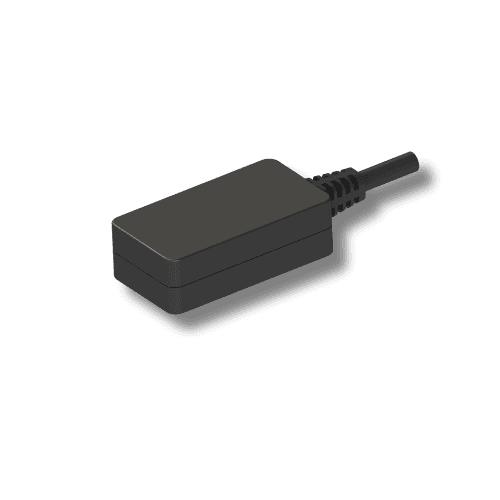
Accessories
ABR100
User manual
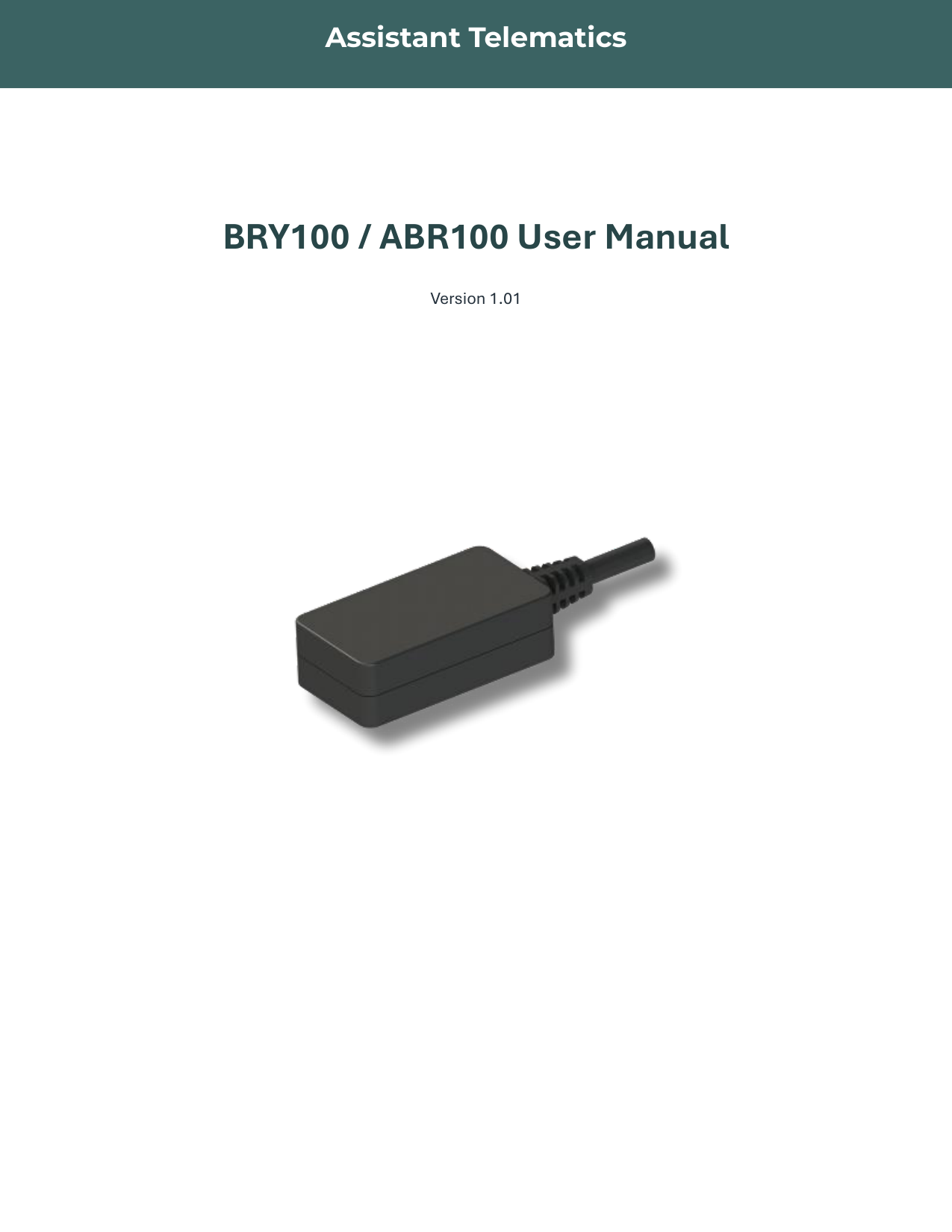
ABR100 User Manual — BLE Encrypted Relay
Revision 1.01 — BRY100 / ABR100
This manual covers the BRY100 / ABR100 BLE relay family — general description, specifications, pin wiring, BLE advertising, GATT services, AES128 authorization, AT commands, and firmware upgrade. Use the structured sections below for quick reference, or open the full PDF for the complete document.
General description
BRY100 / ABR100 is a professional BLE 5.1 relay. BRY100 is the non-encrypted variant; ABR100 is the encrypted variant with AES128 secure communication.
Connect to the ABR100 BLE relay over Bluetooth. After connection, the master device must complete the Encryption Authorization process within 10 seconds, or the relay will disconnect. Once authorized, relay output can be controlled using AT commands.
Technical specifications
| Parameter | Specification |
|---|---|
| BLE module | GR5513 |
| BLE version | BLE 5.1 |
| Operating voltage | 7 – 32 V |
| Operating temperature | −40 °C ~ +85 °C |
| Transmission distance | Up to 150 m |
| Transmission interval | 100 ms |
| ABR100 encryption | AES 128 |
| Maximum load current | 6 A @ 250 VAC / 6 A @ 30 VDC |
| Maximum switch voltage | 400 VAC / 125 VDC |
| Maximum switch current | 6 A |
| Maximum switch power | 1500 VA / 180 W |
Pin description
| Pin | Name | Color | Description |
|---|---|---|---|
| 1 | VDD | Red | Power 8 – 32 V |
| 2 | GND | Black | Ground |
| 3 | RELAY_COM | White | Common |
| 4 | RELAY_NO | Yellow | Normally open |
| 5 | RELAY_NC | Green | Normally closed |
Connection and relay control
After connecting to the ABR100 by Bluetooth, the master device must perform the Encryption Authorization process. The authorization timeout is 10 seconds — if authorization is not completed in time, the relay actively disconnects.
- AT@SET=5# — disable relay; NC pin switches to COM pin.
- AT@SET=6# — enable relay; NO pin switches to COM pin.
Advertising package definition
BLE advertisement payload layout:
| Offset | Length | Frame type | Value | Details |
|---|---|---|---|---|
| 0 | 1 | Length | 0x02 | — |
| 1 | 1 | Type | 0x01 | — |
| 2 | 1 | Data | 0x06 | — |
| 3 | 1 | Length | 0x0A | — |
| 4 | 1 | Type | 0x16 | — |
| 5 | 2 | Service type | 0xEBFF | Little Endian: 0xFFEB |
| 7 | 1 | Device type | 0xF0 | BLE relay device type is 0xF0 |
| 8 | 1 | Frame | 0x01 | — |
| 9 | 3 | Version | 0x010203 | Big Endian format: R01A02V03 |
| 12 | 1 | Encrypt state | 0x01 | — |
| 13 | 1 | Relay output state | 0x01 | — |
| 14 | 1 | Length | 0x0B | — |
| 15 | 1 | Type | 0x09 | — |
| 16 | 6 | Product name | “ABR100” | Big Endian ASCII |
- Device type 0xF0 — ABR100.
- Frame 0x01 — “AT DEV” advertisement.
- Version — software version format R01A02V03.
- Encrypt — whether communication is encrypted; ABR100 defaults to AES128.
Relay output state values in advertisement:
- 0 — Relay NC
- 1 — Relay NO
- 2 — Gradual NC process
- 3 — Gradual NO process
- 4 — Enable output duration
Connection service definition
| Item | UUID | Max length |
|---|---|---|
| Control service | 00002e00-0000-1000-8000-00805f9b34fb | — |
| Read characteristic | 00002e21-0000-1000-8000-00805f9b34fb | 180 bytes |
| Write characteristic | 00002e22-0000-1000-8000-00805f9b34fb | 180 bytes |
Before communication commands, authorization is required. After authorization succeeds, data exchange uses AES-128 encryption.
Command format
All commands use ASCII characters. Each command ends with #. Parameters are separated by commas and may use characters 0–9, A–Z, a–z.
| Type | Format |
|---|---|
| Set command | AT@SET=<param1>,<param2>,…<paramN># |
| Set response | @SET:<param1>,<param2>,…<paramN># |
| Get command | AT@GET=<param1>,<param2>,…<paramN># |
| Get response | @GET:<param1>,<param2>,…<paramN># |
Error codes
| Code | Description |
|---|---|
| 0 | Command executed successfully |
| 1 | Operation not allowed |
| 2 | Invalid parameter |
Set commands
Disable relay — AT@SET=5#
Response: @SET:5,0# (result code per error codes table).
Enable relay — AT@SET=6#
Response: @SET:6,0#
Gradual enable relay — AT@SET=7,<first phase>,<cycle time>,<step time>#
| Parameter | Range |
|---|---|
| Enable time of first phase | 1 – 100 (×100 ms) |
| One cycle time | 1 – 100 (×100 ms) |
| Incremental step time | 0 – 100 (×100 ms) |
Example: AT@SET=7,1,10,1# — Response: @SET:7,0#
Gradual disable relay — AT@SET=8,<first phase>,<cycle time>,<step time>#
Example: AT@SET=8,1,10,1# — Response: @SET:8,0#
Enable output duration — AT@SET=9,<enable state>,<active duration>,<inactive duration>,<toggle times>#
| Parameter | Range | Default |
|---|---|---|
| Enable state | 0 | 1 | 1 |
| Active duration | 1 – 3600 s | 30 |
| Inactive duration | 1 – 3600 s | 30 |
| Toggle times | 0 – 256 | — |
Example: AT@SET=9,1,10,1# — Response: @SET:9,0#
Encryption authorization — AT@SET=10,<Authority Vector>#
| Parameter | Format |
|---|---|
| Authority Vector | 32 hex ASCII characters (0–9, A–F, a–f) |
Example: AT@SET=10,00112233445566778899AABBCCDDEEFF# — Response: @SET:10,0#
Get commands
Get version information — AT@GET=2#
Response: @GET:2,0,<software version># (version up to 6 characters). Example: @GET:2,0,000101#
Get relay state — AT@GET=3#
Response: @GET:3,0,<relay state># where relay state is:
- 0 — Relay NC
- 1 — Relay NO
- 2 — Gradual NC process
- 3 — Gradual NO process
- 4 — Enable output duration
Example: @GET:3,0,0#
Firmware upgrade
Preparation:
- BRY100 / ABR100: Ensure the device can broadcast and be discovered by the phone; it is better to know the device's Bluetooth address.
- Software: Install the GRToolbox App — https://www.goodix.com/en/software_tool/grtoolbox
- Firmware: Contact support@iot-at.com to get the latest firmware *.bin file and save it on your mobile phone.
Upgrade procedure:
- Open the App and enable Bluetooth permissions on your phone.
- Find the target device by its Bluetooth address or device name, and click Connect.
- After a successful connection, click the rocket icon to enter the upgrade interface.
- Choose Copy Mode, enter Copy Address 01040000, select the firmware *.BIN file, and press Update.
- Wait until the firmware update completes successfully.
ABR100 — User manual
v1.01 · 2025 · Release
Page 1 of 14
If the preview does not load, use Download or Open in new tab.